
Docs
Glossary Management
Glossary Management
Learn how to manage terminology and glossaries in Get IT.
Glossary Management
The glossary system is the heart of Get IT, providing comprehensive terminology management with AI-powered features.
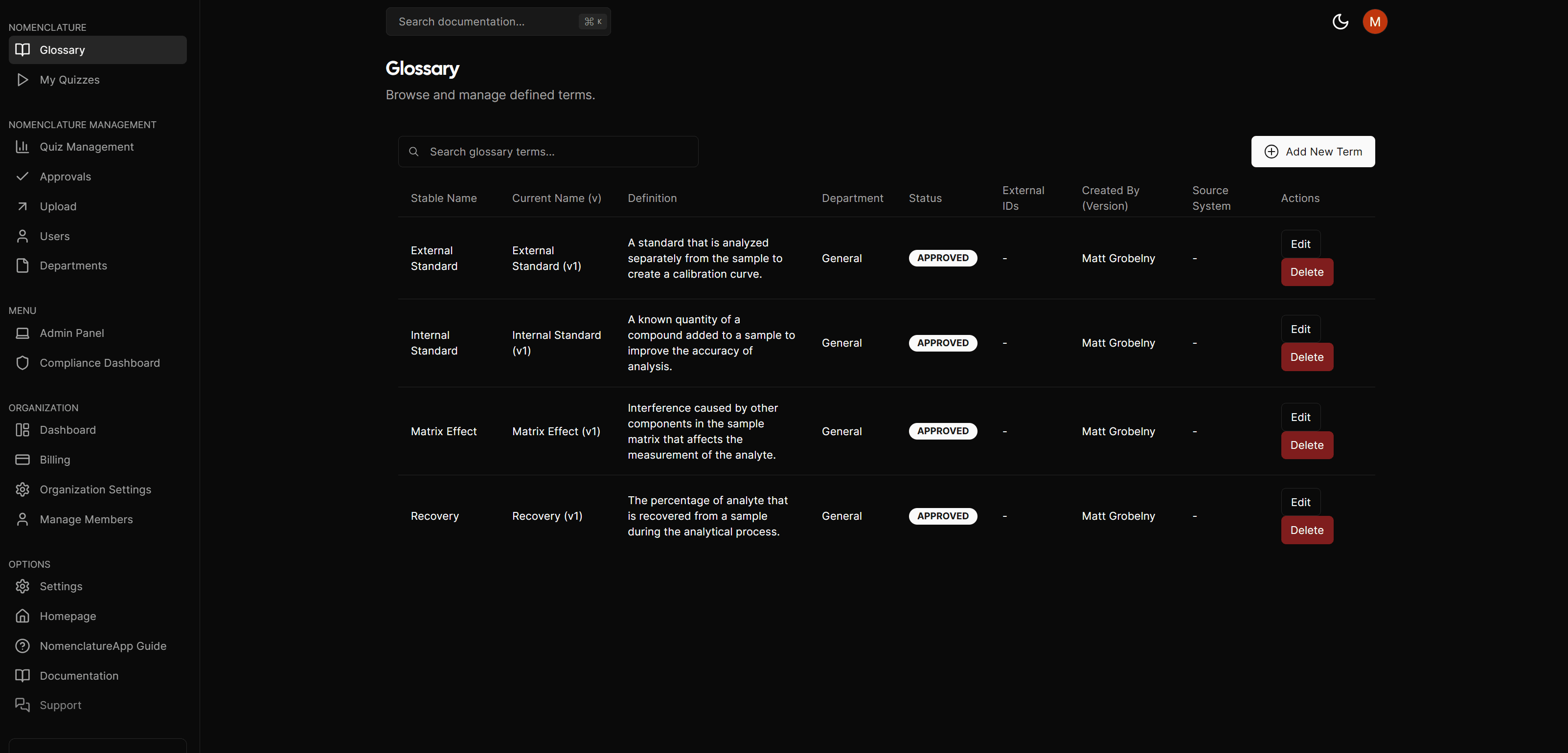
Term Management
Adding Terms
- Navigate to Dashboard > Glossary
- Click "Add Term"
- Enter term details:
- Term name
- Definition
- Usage examples
- Categories
- Department associations
AI-Powered Features
- Automatic term extraction
- Similar term detection
- Usage recommendations
- Context analysis
Approval Workflow
- Term submission
- Department review
- Compliance check
- Final approval
- Publication
Organization
Categories
- Create custom categories
- Assign terms to multiple categories
- Set category hierarchies
- Track category usage
Department Association
- Department-specific terms
- Shared terminology
- Cross-department relationships
- Usage tracking
Search & Discovery
Search Features
- Full-text search
- Category filtering
- Department filtering
- Usage statistics
Term Relationships
- Related terms
- Synonyms
- Antonyms
- Usage context
Glossary Roles & Permissions
Actions on the glossary vary depending on your assigned role:
- System Admins & Dept Nomenclature Admins: Can freely Edit and Delete terms (within their assigned departments). Deleting a term archives it.
- Dept Nomenclature Editors: Can Propose new terms or edits to existing terms for their departments. These proposals enter a "Pending Approval" state and require Admin sign-off. The "Delete" action is disabled.
- Viewers: Can only search and view published terms. The Add, Edit, and Delete actions are disabled.
Best Practices
-
Term Creation
- Use clear definitions
- Provide usage examples
- Include context
- Set relationships
-
Organization
- Logical categories
- Clear hierarchies
- Regular reviews
- Usage monitoring
-
Maintenance
- Regular audits
- Update definitions
- Archive obsolete terms
- Track changes